




Hariton
Members
-
Joined
-
Last visited
-

-
https://il2-fl.ru/ru/stats/sortie/map?id=147406&type=0
-
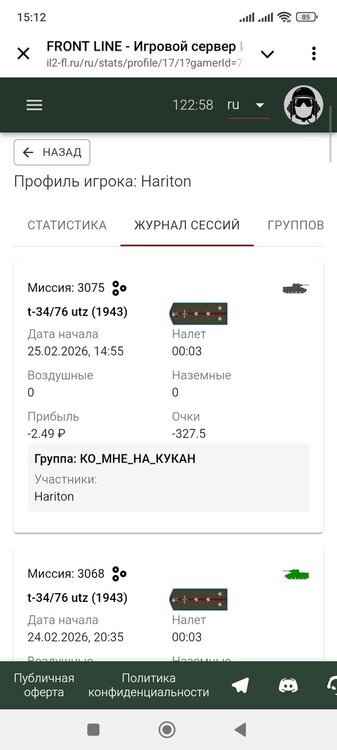
Это опять произошло! В этот раз я ездил 16 минут! https://il2-fl.ru/ru/stats/sortie/133040/1?gamerId=717&tab=flight-log
-
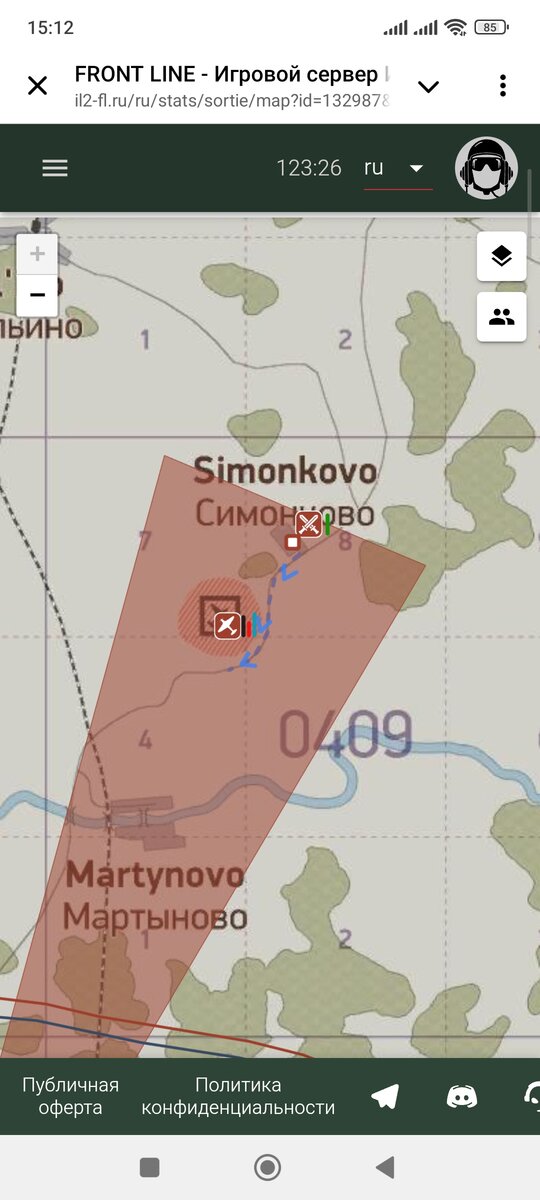
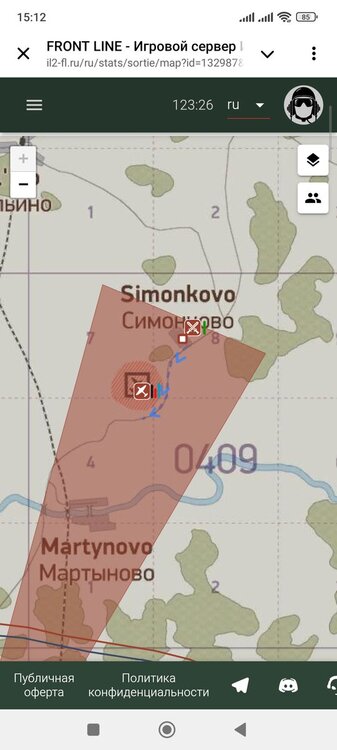
Выехал на танке, проехал небольшое расстояние и передумал. Вышел в брифинг, а в статистике сервера пишет что пропал без вести. Выходил на своей территории. https://il2-fl.ru/ru/stats/sortie/132987/1?gamerId=717&tab=flight-log
-
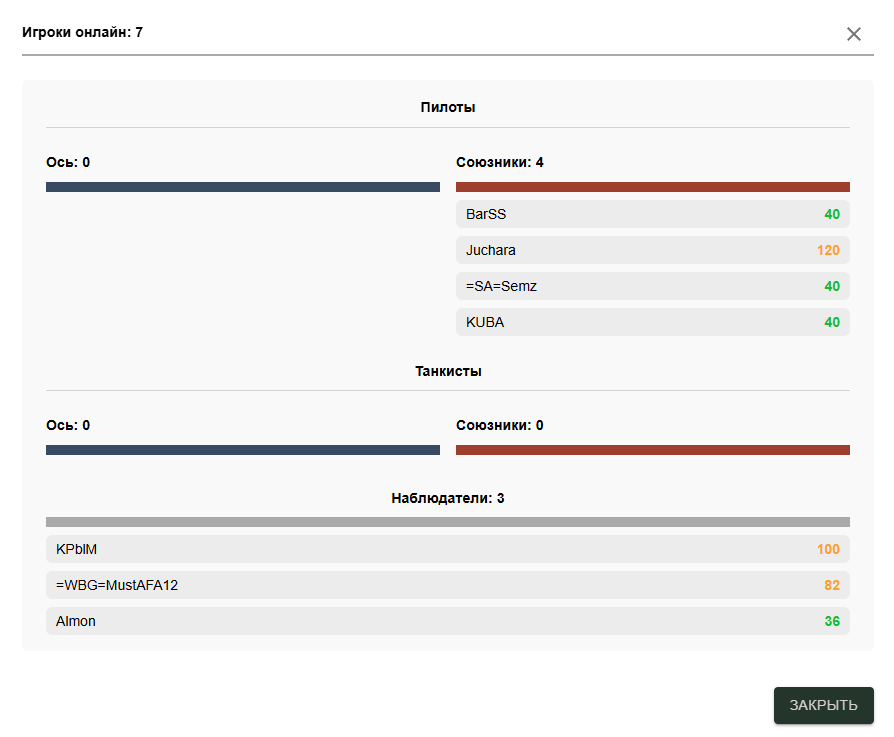
Хотел бы предложить сделать возможность перехода к профилю игрока через таблицу текущего онлайна на сессии.
-
-
-
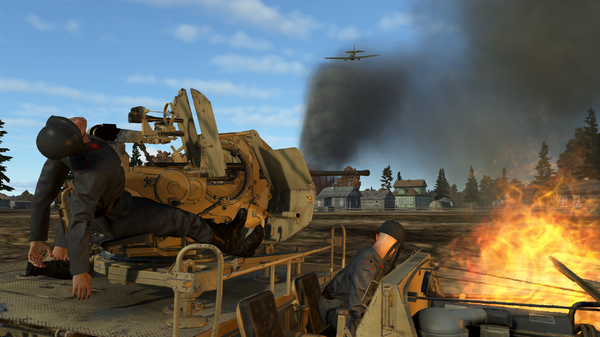
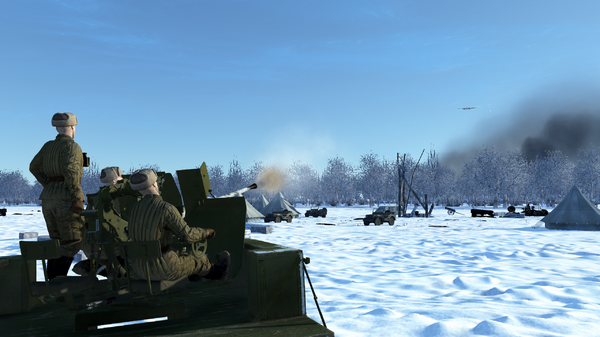
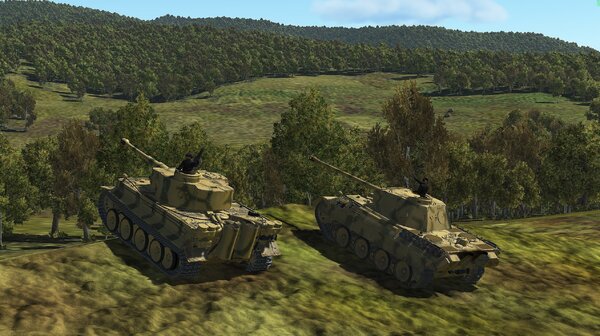 Спору нет, смотрится круто! Бинокли в руках смотрелись бы более эстетично)
 -
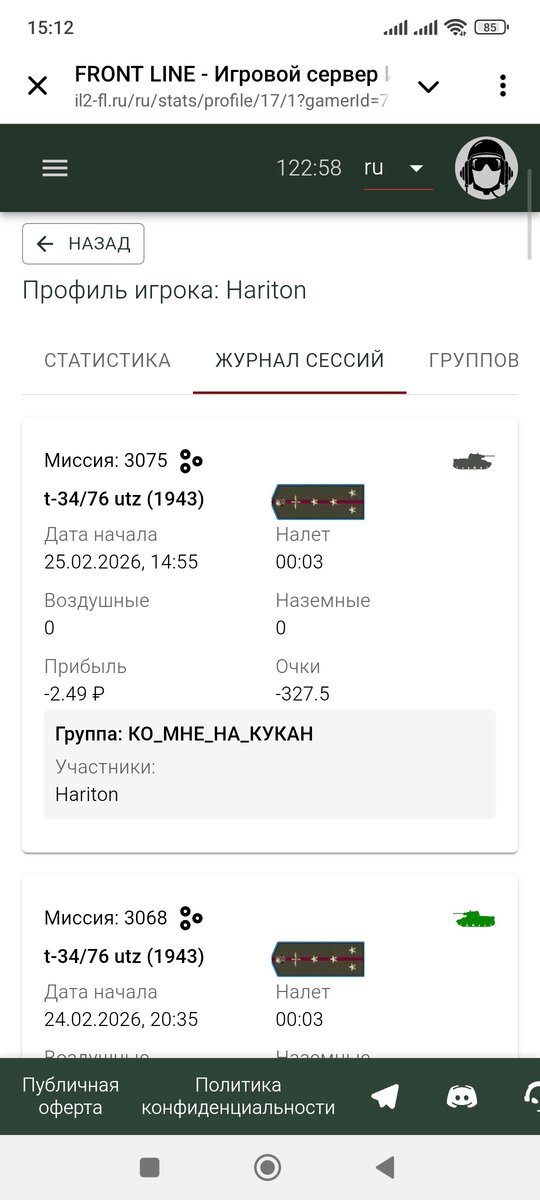
Он в плюсе даже остался

-
Окей, а разве система не должна списывать очки в соответствии с текущим званием? Даже если оно гораздо ниже?
-
Суть в том, почему они такие разные если мы врезались в друг друга
-
Дополню, что из этих 2-х случаев только 1 успешный, в другом я просто врезался в землю рядом с танком) у тебя же техника уцелела правильно? значит по факту тарана не было))
-
«Не было печали, так черти накачали» - это относится к первой фотке. А что произошло только что, то я собственно и не отрицаю. По общему мнению таранить не запрещено, и я этим не злоупотребляю)
-
-
Не ной, синие делают аналогично.