



Jump to content
View in the app

A better way to browse. Learn more.

FRONT LINE

A full-screen app on your home screen with push notifications, badges and more.

To install this app on iOS and iPadOS
  1. Tap the Share icon in Safari
  2. Scroll the menu and tap Add to Home Screen.
  3. Tap Add in the top-right corner.
To install this app on Android
  1. Tap the 3-dot menu (⋮) in the top-right corner of the browser.
  2. Tap Add to Home screen or Install app.
  3. Confirm by tapping Install.

BrotherLamp

Members
  • Joined

  • Last visited

Everything posted by BrotherLamp

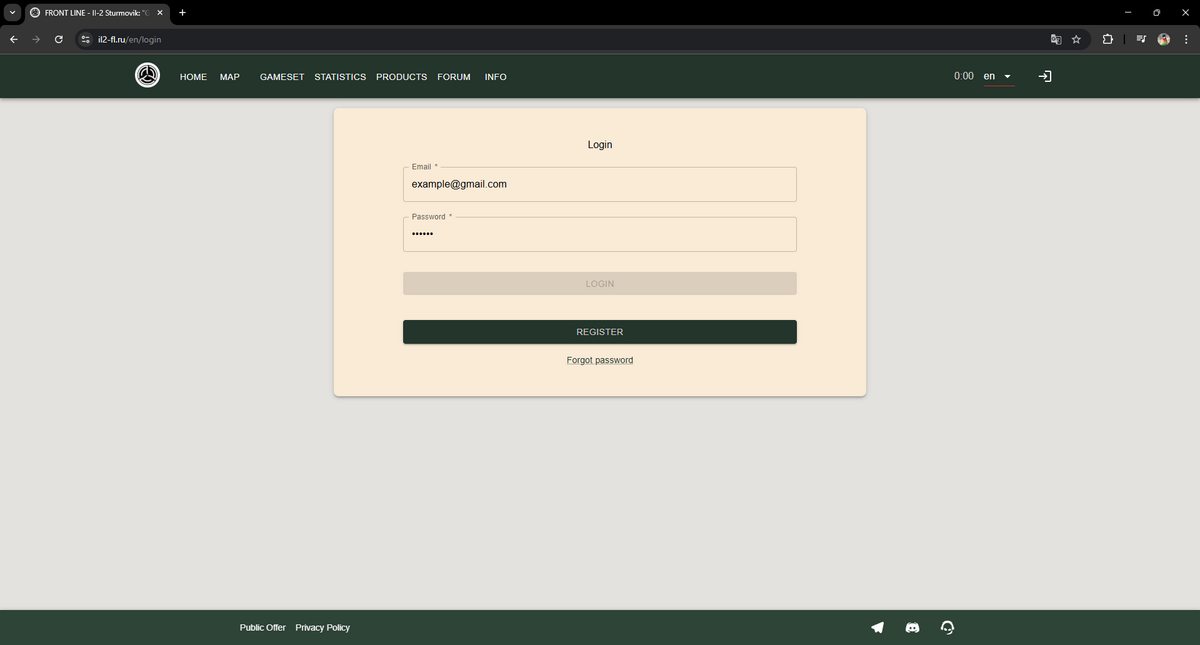
  1. I see what happened now, somehow last night when registering I managed to make my password 1 character too short, the registration says password must be at least 6 long, if you make it 6 and type it into the login screen it remains grey, typing 1 extra letter and removing it unlocked the button but did not let me log in. I had to reset my password and add 1 more character, it works now.
  2. It doesn't say anything, the button remains grey.
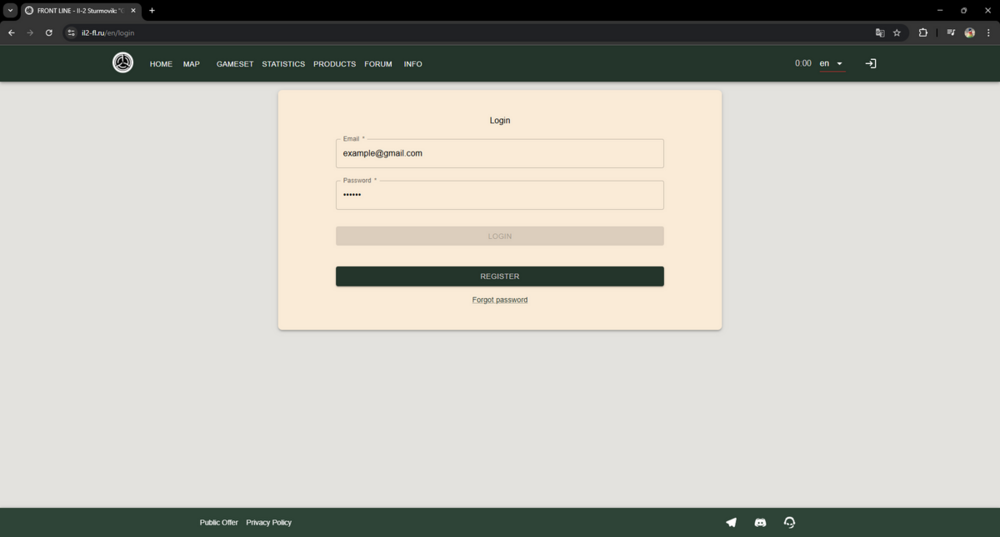
  3. Trying to log in on https://il2-fl.ru/en/login And this is the button that's grey

  4. Been trying to log in, the button is grey after typing in email and password.

Configure browser push notifications

Chrome (Android)
  1. Tap the lock icon next to the address bar.
  2. Tap Permissions → Notifications.
  3. Adjust your preference.
Chrome (Desktop)
  1. Click the padlock icon in the address bar.
  2. Select Site settings.
  3. Find Notifications and adjust your preference.