





Jump to content
View in the app

A better way to browse. Learn more.

FRONT LINE

A full-screen app on your home screen with push notifications, badges and more.

To install this app on iOS and iPadOS
  1. Tap the Share icon in Safari
  2. Scroll the menu and tap Add to Home Screen.
  3. Tap Add in the top-right corner.
To install this app on Android
  1. Tap the 3-dot menu (⋮) in the top-right corner of the browser.
  2. Tap Add to Home screen or Install app.
  3. Confirm by tapping Install.

Bron

Members
  • Joined

  • Last visited

Everything posted by Bron

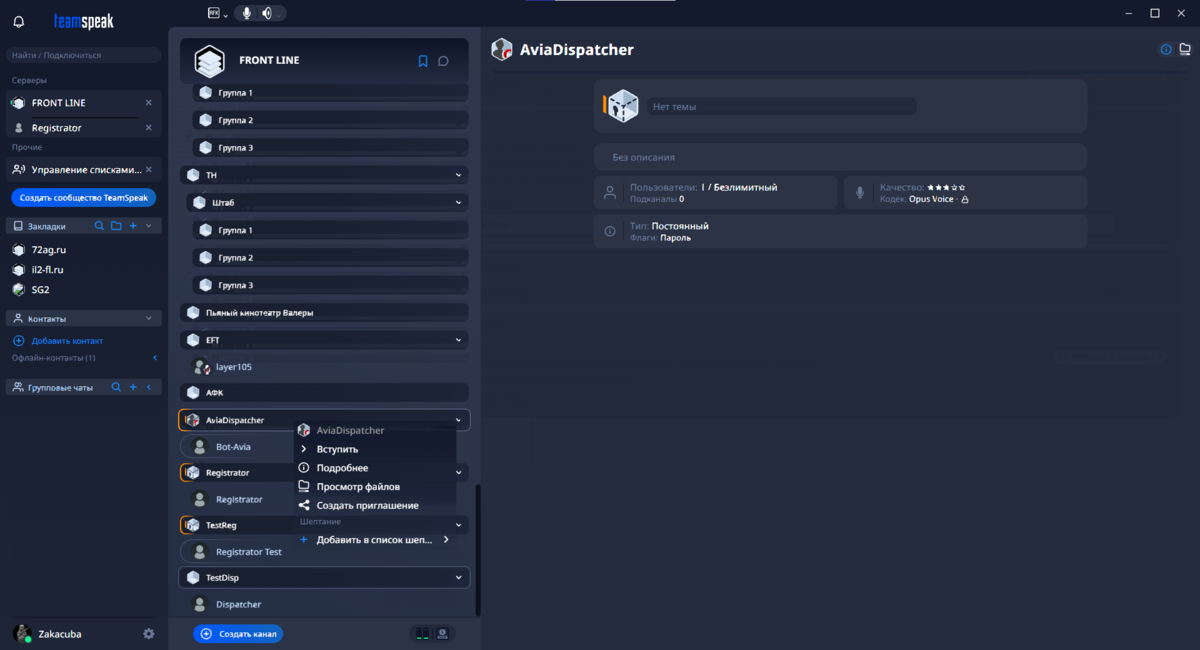
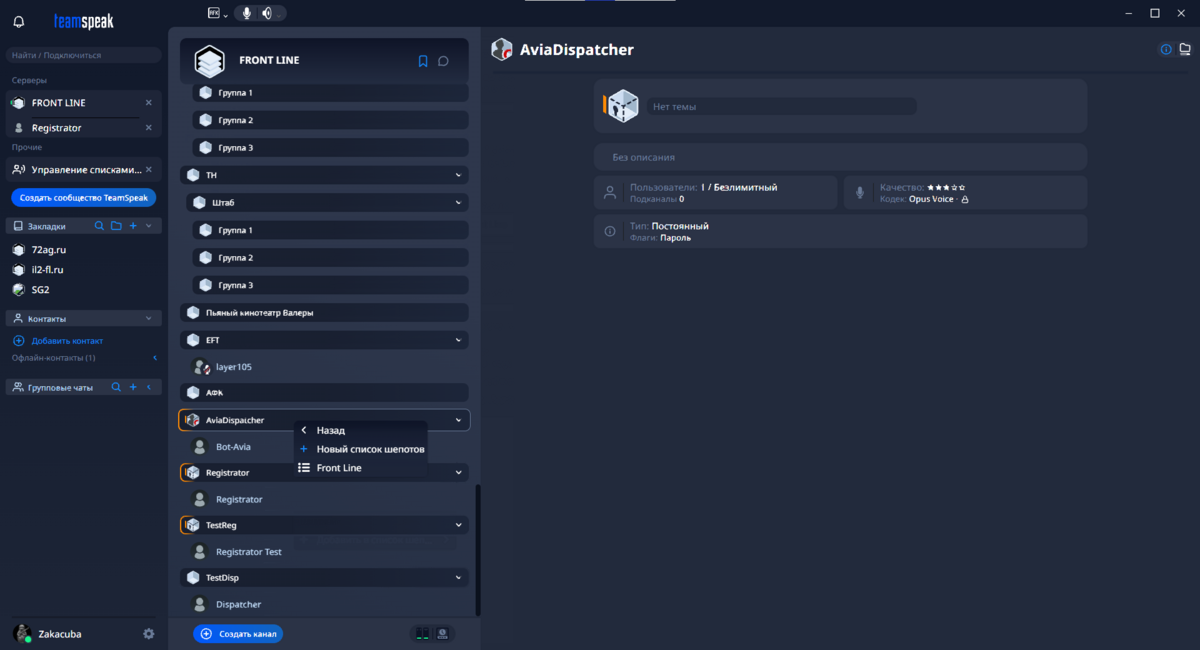
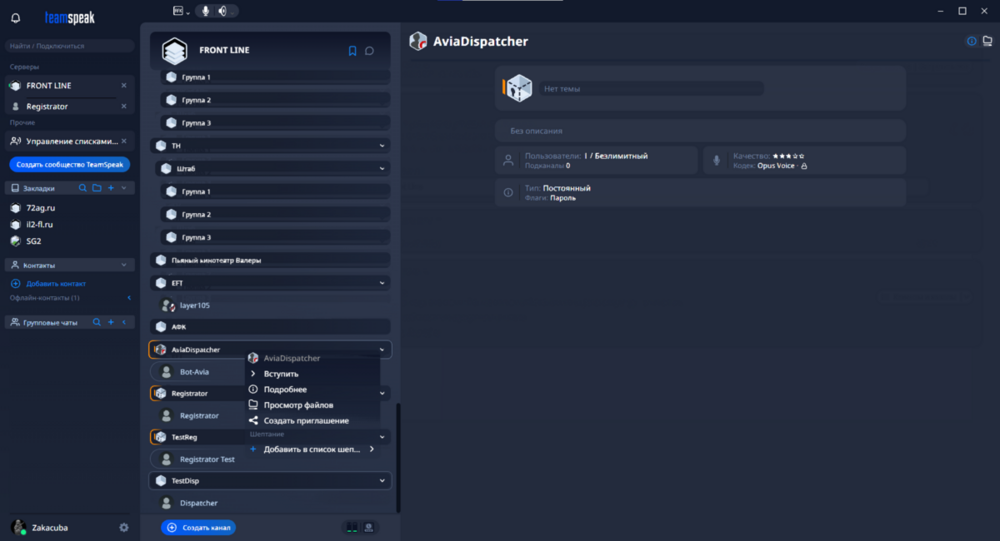
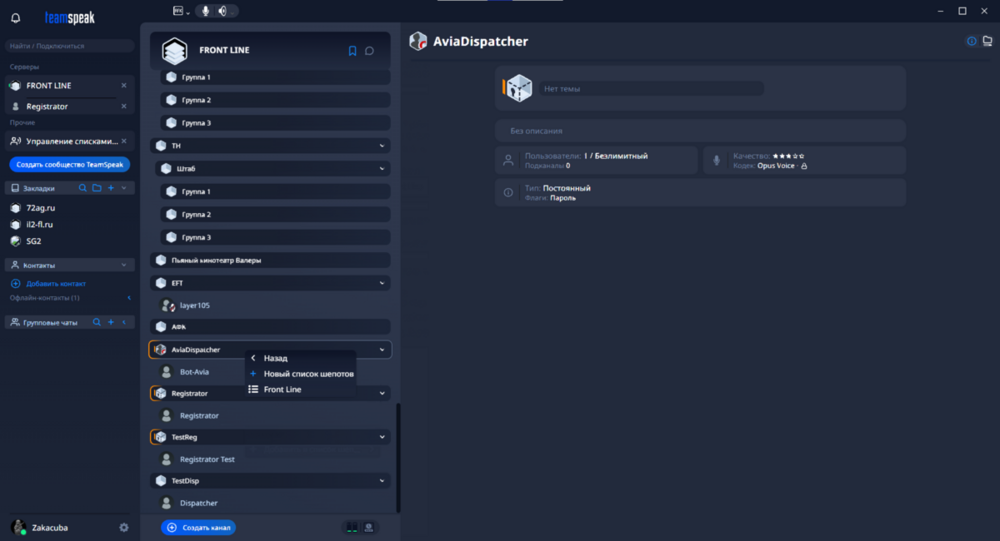
  1. Можно добавить другим способом кто не смог перетащить ручками. Ищем в списке FRONT LINE канала AviaDispatcher. Наводим на него курсор и нажимаем правой кнопкой мыши, в сплывающем окне выбираем Добавить в список шепота далее в новом сплывающем окне выбираем FRONT LINE которой вы ранее создавали по инструкции.
Configure browser push notifications

Chrome (Android)
  1. Tap the lock icon next to the address bar.
  2. Tap Permissions → Notifications.
  3. Adjust your preference.
Chrome (Desktop)
  1. Click the padlock icon in the address bar.
  2. Select Site settings.
  3. Find Notifications and adjust your preference.