










Jump to content
View in the app

A better way to browse. Learn more.

FRONT LINE

A full-screen app on your home screen with push notifications, badges and more.

To install this app on iOS and iPadOS
  1. Tap the Share icon in Safari
  2. Scroll the menu and tap Add to Home Screen.
  3. Tap Add in the top-right corner.
To install this app on Android
  1. Tap the 3-dot menu (⋮) in the top-right corner of the browser.
  2. Tap Add to Home screen or Install app.
  3. Confirm by tapping Install.

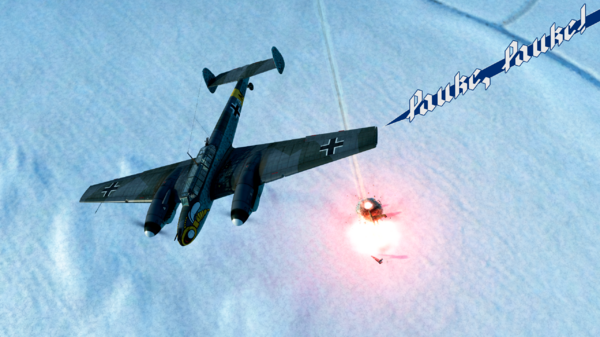
А - АТА 1.15, курс 105. Набор до высоты 3 километра. Ведущий прикрытию: красные замечены севернее, высота ваша.
8 - Принято. Не задерживайтесь над целью.
В - Как работаем?
А - Сброс SC500 в один проход с пике. Через лево разворот на цель и один проход курсовым. Никому не задерживаться и не сметь отставать: спасения от своры красных не будет. Не размыкаться до команды.
В, D - Принято.

  • From the category:

    Screenshots

    · 112 images

    Configure browser push notifications

    Chrome (Android)
    1. Tap the lock icon next to the address bar.
    2. Tap Permissions → Notifications.
    3. Adjust your preference.
    Chrome (Desktop)
    1. Click the padlock icon in the address bar.
    2. Select Site settings.
    3. Find Notifications and adjust your preference.